Help Center & Tutorials
Practical Guides for Restaurant Success
Learn the exact steps to build your menu, invite your team, print high-quality QR codes, and connect custom domains.
Menu Building3 min read
Add menu categories
Prerequisites
Manager role level or higher.
Step-by-step setup instructions
1
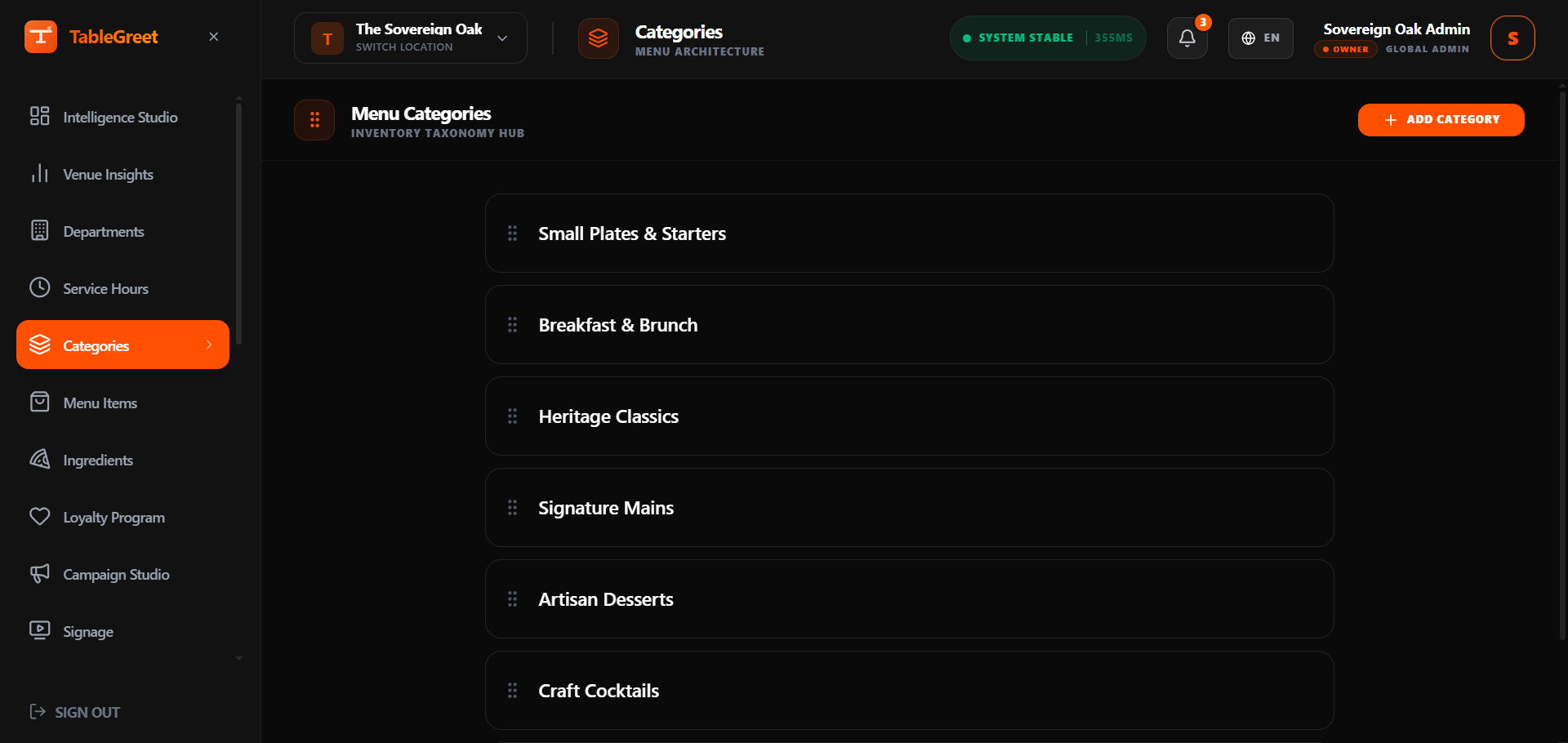
Navigate to the "Menu Builder" and select the "Categories" tab.
Categories Overview
Full sizeCategories Overview
2
Click "+ Create Category" and type in your category title (e.g., "Starters", "Mains", "Beverages").
Create Category Form
Full sizeCreate Category Form

3
Select a display layout type: Pill navigation or Scroll-spy Tabs.
4
Save the category. You can drag and drop categories in the sidebar to change the order guests see on their devices.
Pro Tip
Limit your category names to 1-2 words. Short category names look much cleaner and are easier to navigate on mobile browsers.
Still need help?
Connect with our technical support team to resolve complex DNS connections, SSO configuration, or layout adjustments.