Getting Started
Create the venue, define the service model, choose the initial language setup, and publish the first menu version without creating admin complexity for the team.
This documentation hub is built for restaurant operators, managers, and growth teams who need more than a product tour. It explains how to structure menus, deploy QR codes, manage service changes, support multilingual guests, train teams, and keep guest-facing content accurate when the venue is busy.
Create the venue, define the service model, choose the initial language setup, and publish the first menu version without creating admin complexity for the team.
Build categories, structure items, maintain availability, manage dayparts, and keep guest-facing content synchronized with the kitchen and the floor.
Control the theme, language presentation, QR entry flow, campaign surfaces, and item-detail experience so the menu feels fast, premium, and easy to trust.
Use permissions, analytics, audit logs, billing, and multi-venue controls to grow without losing accuracy or accountability.
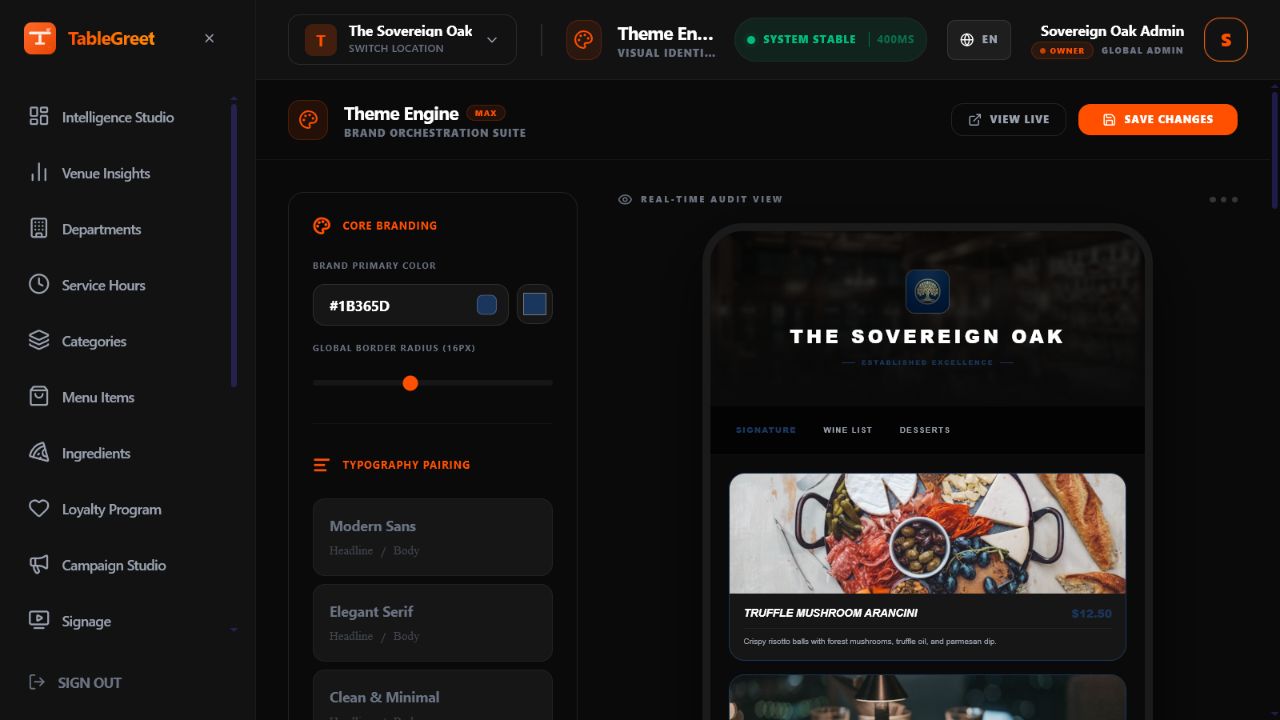
Learn how brand colors, typography, layout density, featured shelves, and item-detail screens shape guest confidence on mobile.
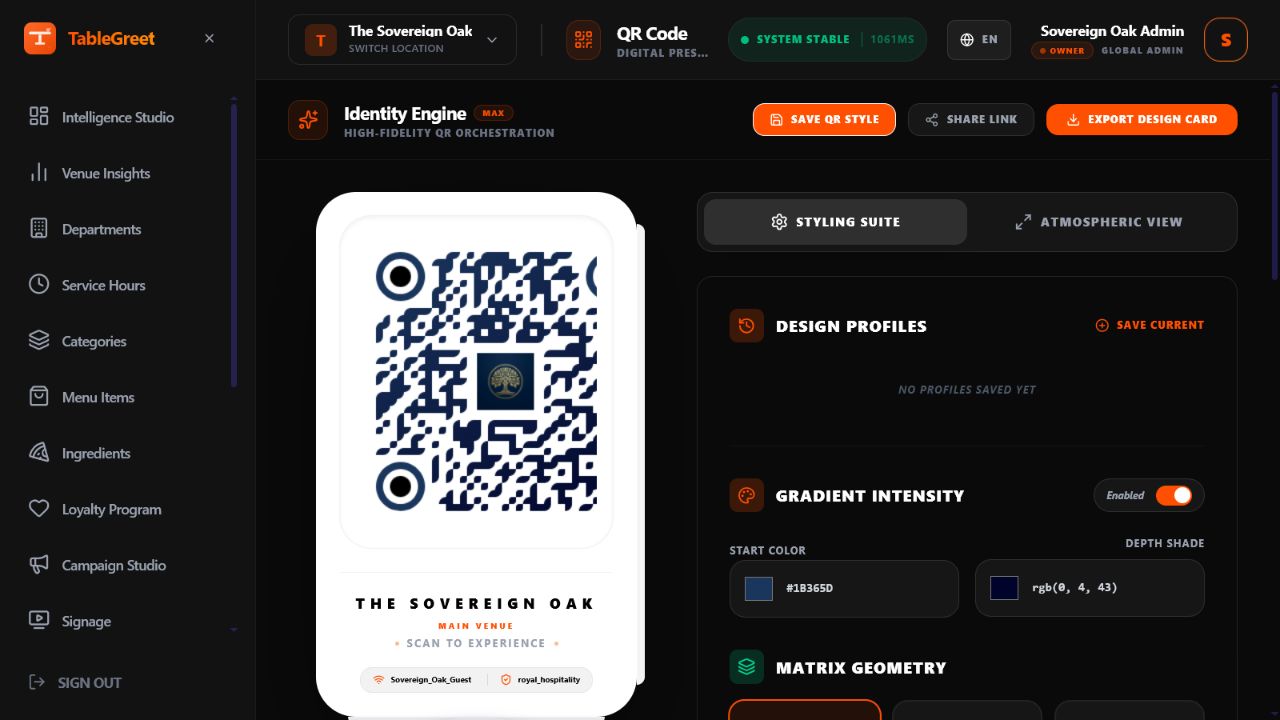
Use venue-safe URLs, table-specific codes, print-ready assets, and placement guidance so scanning feels natural in service.
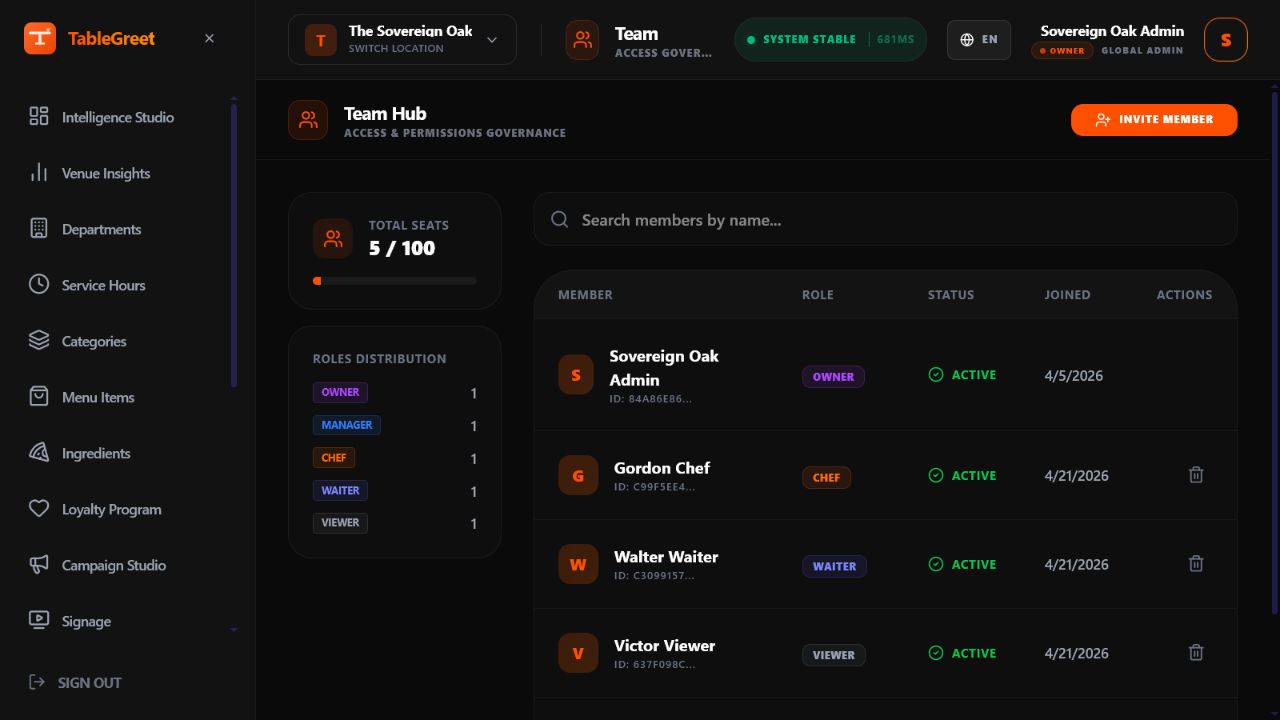
Document who controls pricing, who updates availability, who manages campaigns, and how staff should react when reality changes mid-service.
Documentation map
Each section below is written to answer a real operating question. The goal is to help teams move from setup to stable daily usage without relying on memory, guesswork, or one person keeping the whole system in their head.
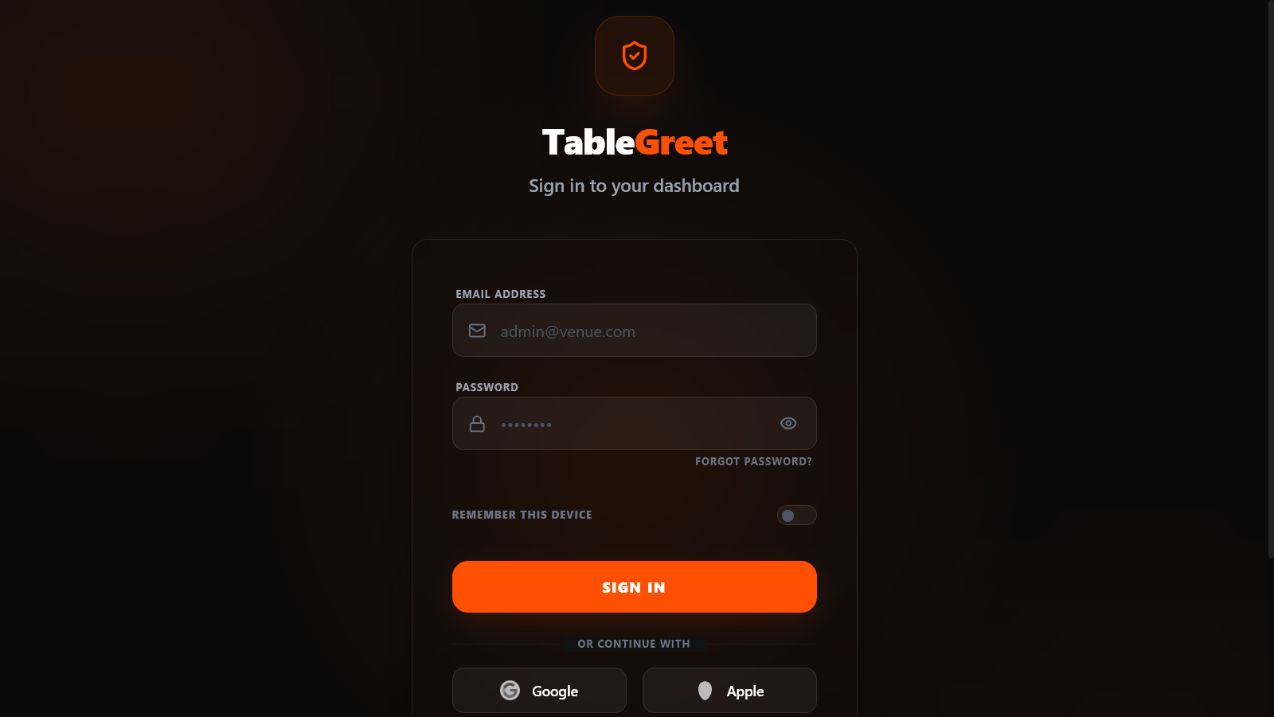
Sign in securely at app.tablegreet.com/login, manage passwords, set up device persistence, and initialize your venue profile.
Build a menu architecture that matches how guests order and how the kitchen works, with categories that are clear on mobile and easy to maintain.
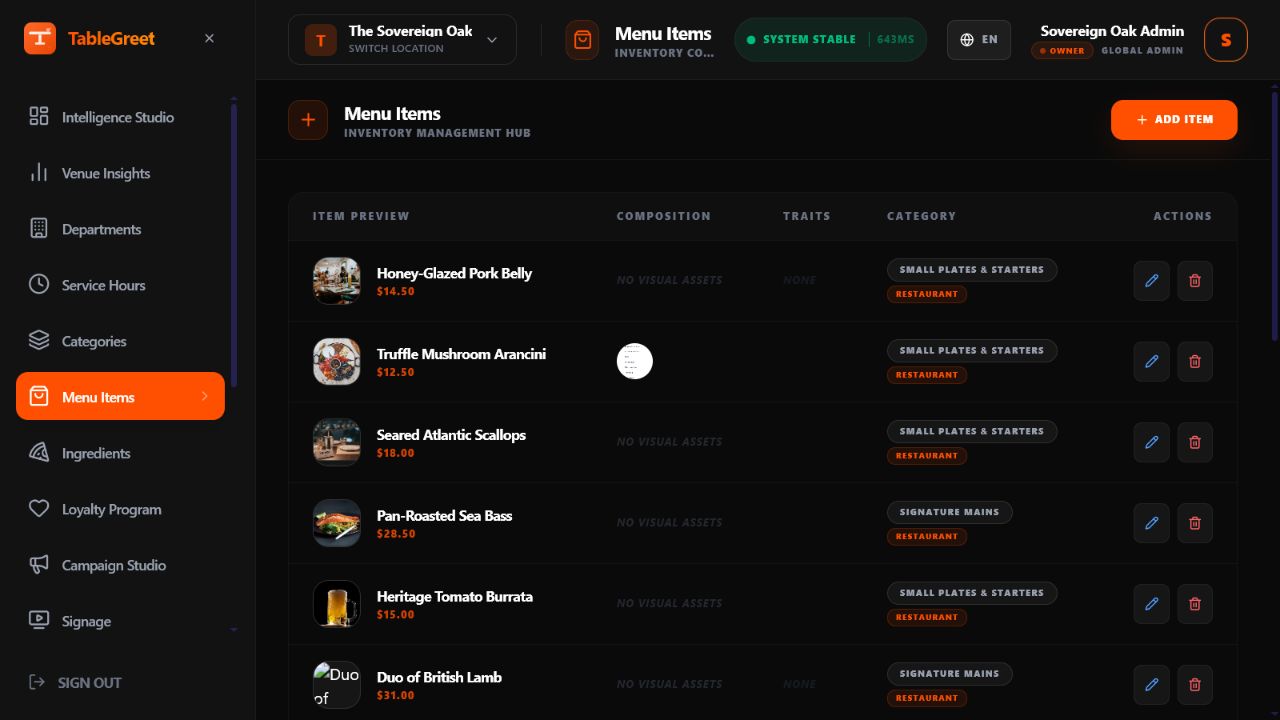
Update prices, hide sold-out dishes, manage seasonal products, and keep every guest-facing value point aligned with service reality.
Show breakfast, lunch, dinner, happy hour, room service, or ftour menus only when they are relevant, so guests stop seeing outdated options.
Adjust colors, cards, imagery, navigation patterns, featured shelves, and typography so the menu feels consistent with the venue identity.
Generate QR codes for tables, venue-level entry points, events, and campaigns, then deploy them where scan success is most likely.
Launch banners, featured dishes, and limited-time offers without turning the menu into a cluttered ad surface.
Control who can edit menu structure, who can update live content, and who can access billing, analytics, or system-level settings.
Review what guests open, click, and ignore so content, upsells, and category structure improve through evidence.
Setup flow
The first publishing cycle is where most teams either build confidence or create long-term friction. The docs explain what should be configured first so the venue can launch quickly without creating a messy catalog that becomes hard to maintain later.
Menu management
The docs do not stop at publishing. They cover the maintenance habits that matter most once the venue is live: category cleanup, item-detail quality, translations, pricing logic, stock visibility, and the operational checkpoints that keep the guest menu honest.
Operational topics
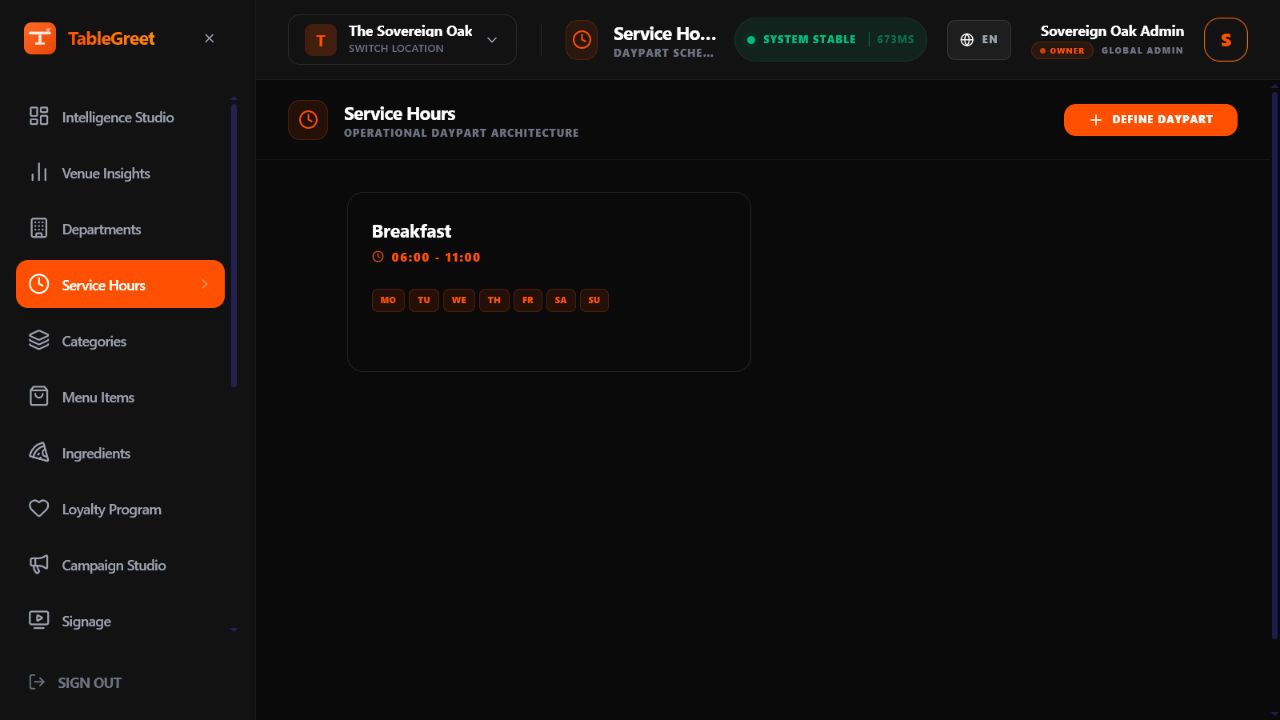
Control breakfast, lunch, dinner, late night, room service, or seasonal windows without forcing guests to browse irrelevant items.
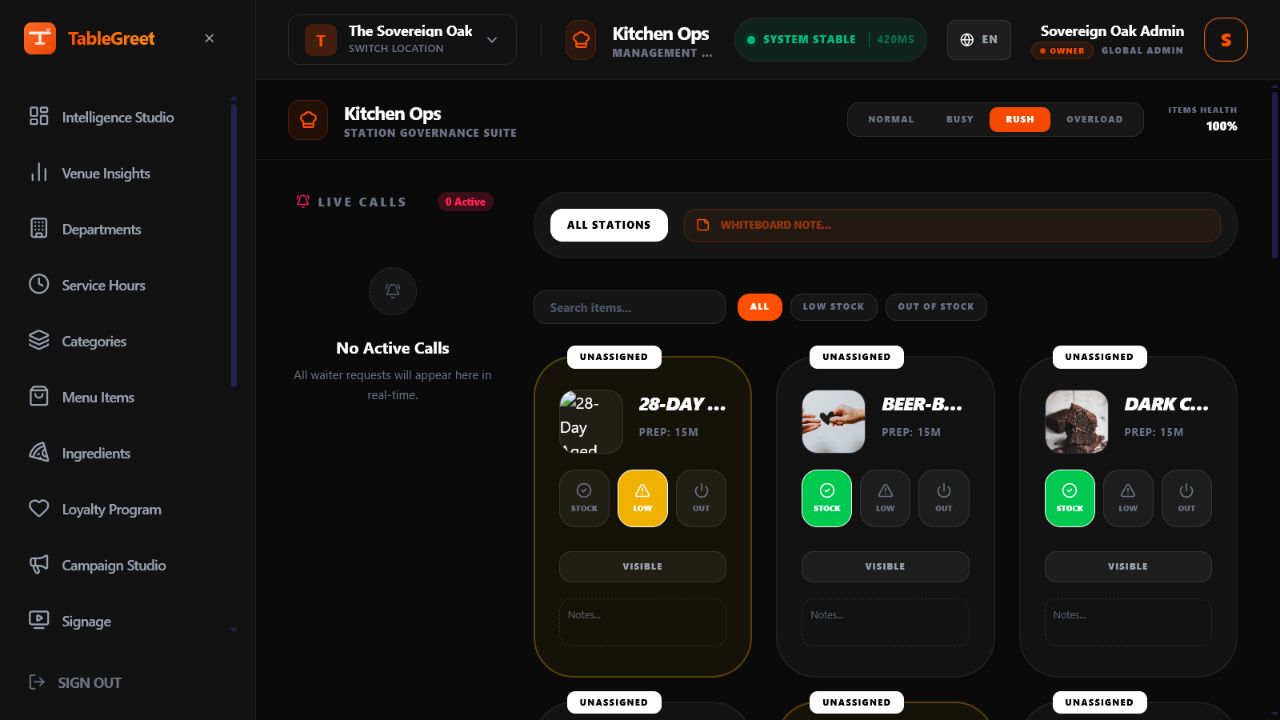
Understand how availability, station routing, and operational status messaging connect the public menu to the real kitchen state.
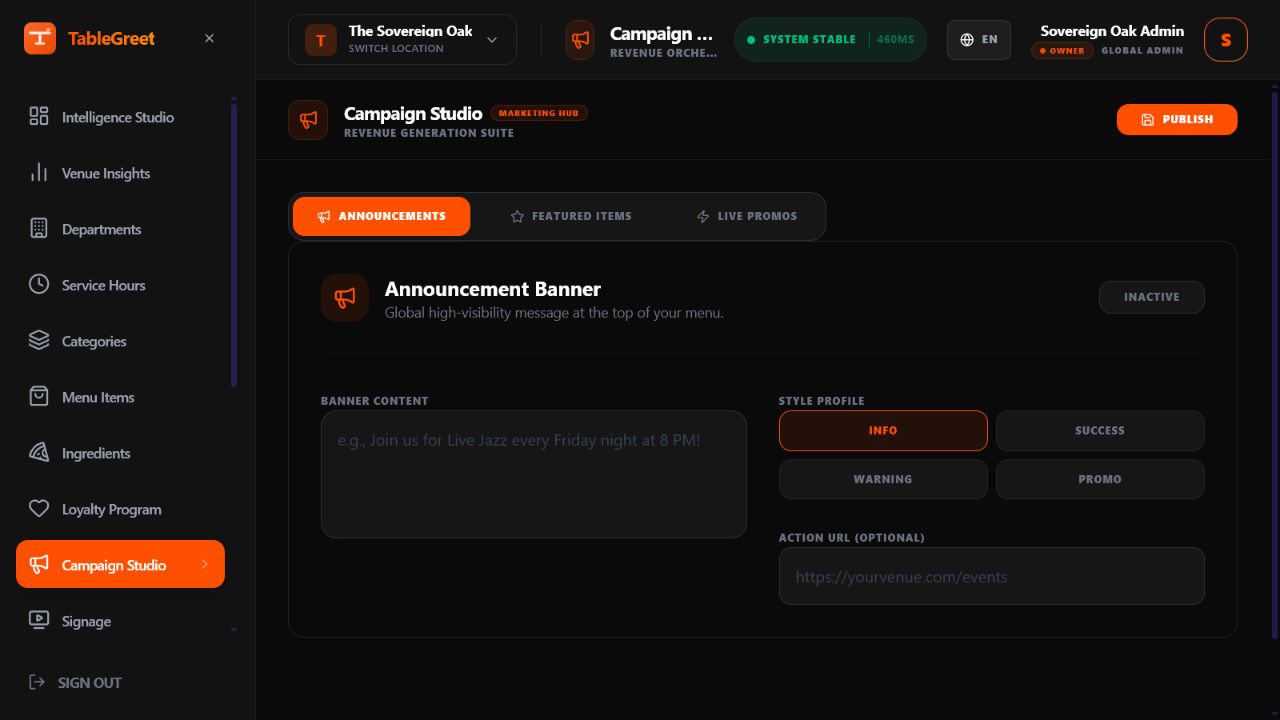
Launch timed offers, featured dishes, and announcement banners while preserving menu clarity and reducing promo fatigue.
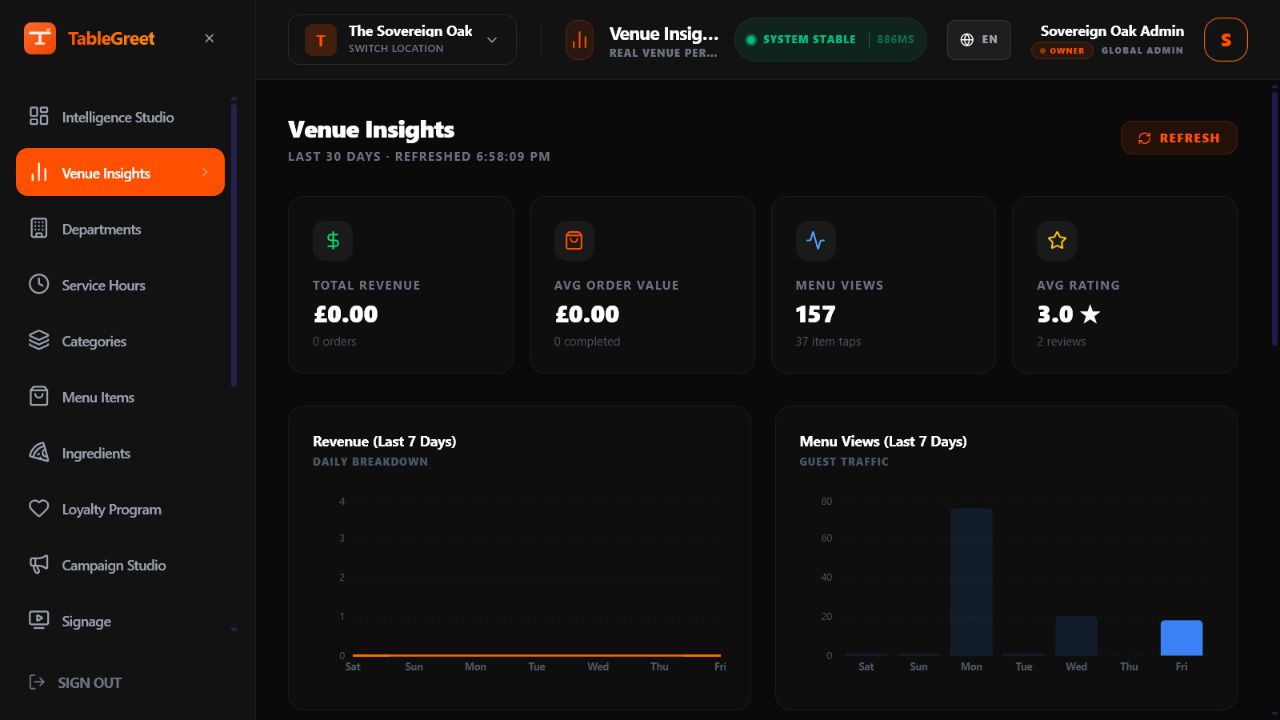
Learn which categories attract attention, which dishes hold it, and where guests stop moving so the menu improves over time.
Governance and scale
The docs cover far more than the guest-facing interface. They explain the administrative controls that keep teams aligned: permissions, team invitations, audit trails, billing, settings, domain configuration, and multi-venue management for growing groups.

Launch checklist
The documentation emphasizes launch discipline because most quality issues are easier to prevent than to clean up later. Use this final checkpoint to make sure the published menu is operationally ready.
Talk to the team when the venue needs help mapping product setup decisions to real operating pressure.
Connect with usUse the docs to standardize pricing, availability, translations, QR deployment, and team handoff before those details become daily friction.
Built for teamsThe guidance extends into governance, analytics, domains, billing, and multi-venue structure so growth does not break menu quality.
Production ready